Daily Quests with systemd
A systemd timer-based workflow that generates daily coding related quests.
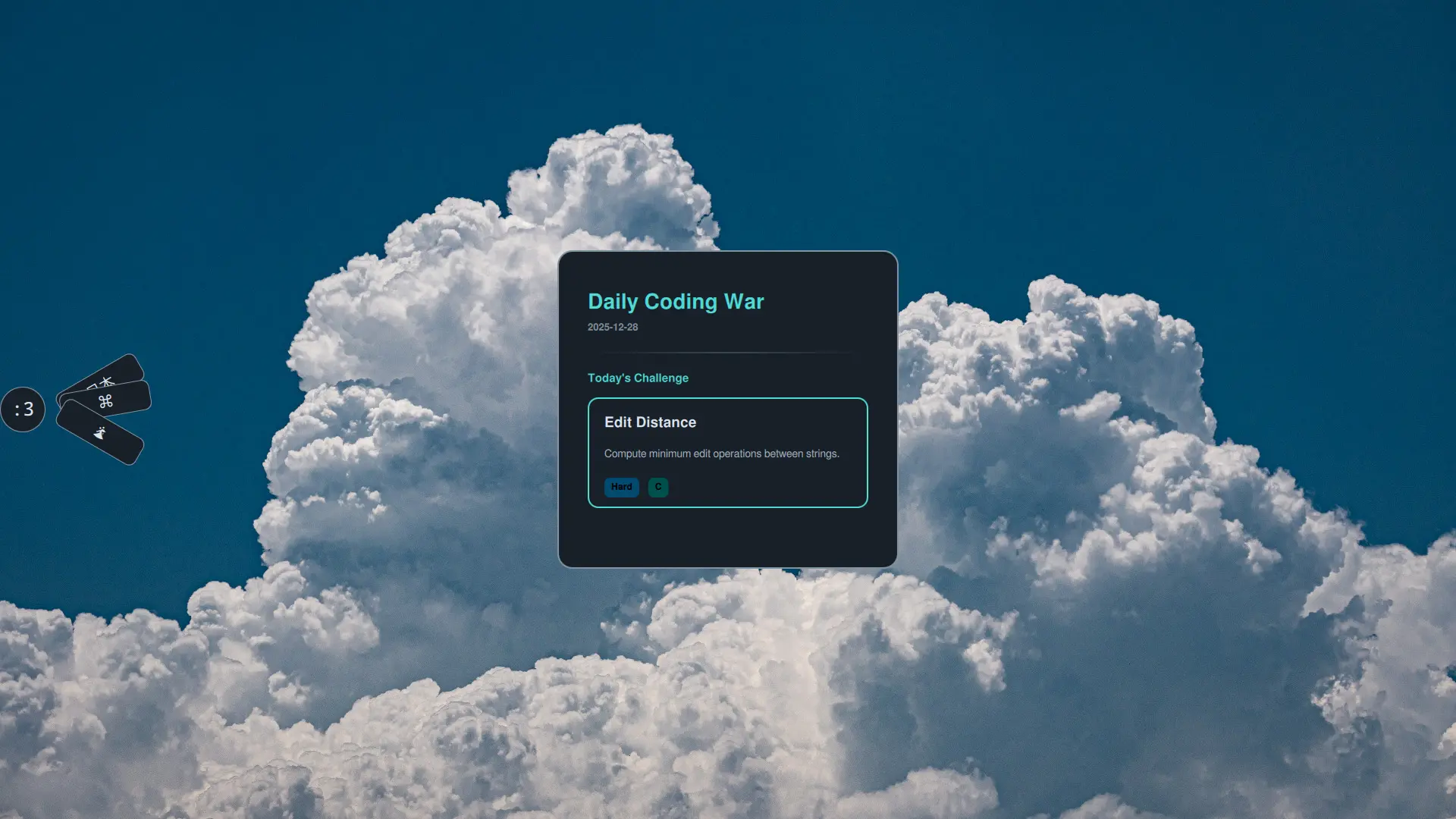
Daily Quests with systemd
I always loved how games give you daily quests to keep you engaged. I wanted the same thing for coding practice apparently, so I created a simple system using systemd timers and a bash script that picks a random challenge and language combination every day.
The Setup
The system consists of three components:
- A systemd service unit that executes the challenge picker
- A systemd timer that triggers it daily at 8 AM
- A bash script that deterministically selects challenges based on the date
Service Configuration
~/.config/systemd/user/daily-war.service,
[Unit]
Description=Generate daily coding war

[Service]
Type=oneshot
ExecStart=/home/safal726/.local/bin/daily-war.sh
Timer Configuration
~/.config/systemd/user/daily-war.timer
[Unit]
Description=Daily War Timer

[Timer]
OnCalendar=*-*-* 08:00:00
Persistent=true

[Install]
WantedBy=timers.target
The Challenge Picker Script
1
2
3
4
5
6
7
8
9
10
11
12
13
14
15
16
17
18
19
20
21
22
23
#!/usr/bin/env bash
set -e

SRC="$HOME/.cache/safalQuick/coding_challenges.json"
OUT="$HOME/.cache/safalQuick/todaywarpick.json"

SEED=$(date +%Y%m%d)
TODAY=$(date -I)

if [[ -f "$OUT" ]] && jq -e --arg d "$TODAY" '.date == $d' "$OUT" >/dev/null 2>&1; then
  exit 0
fi

jq --arg seed "$SEED" --arg date "$TODAY" '
  def pick(arr; mul):
    arr[(($seed | tonumber) * mul) % (arr | length)];

  {
    date: $date,
    challenge: pick(.challenges; 73),
    language: pick(.languages; 97)
  }
' "$SRC" >"$OUT"
How It Works
- Generates a numeric seed from today’s date (e.g.,
20251229) - Creates an ISO-format date string for tracking
- Uses the date seed multiplied by a prime number [73 for challenge, 97 for language]
- Creates a JSON object with today’s date, selected challenge, and selected language
- Writes to
todaywarpick.jsonfor consumption by other tools
1
2
systemctl --user enable daily-war.timer
systemctl --user start daily-war.timer
I have implemented the UI part here…
This post is licensed under CC BY 4.0 by the author.